Course and class setup
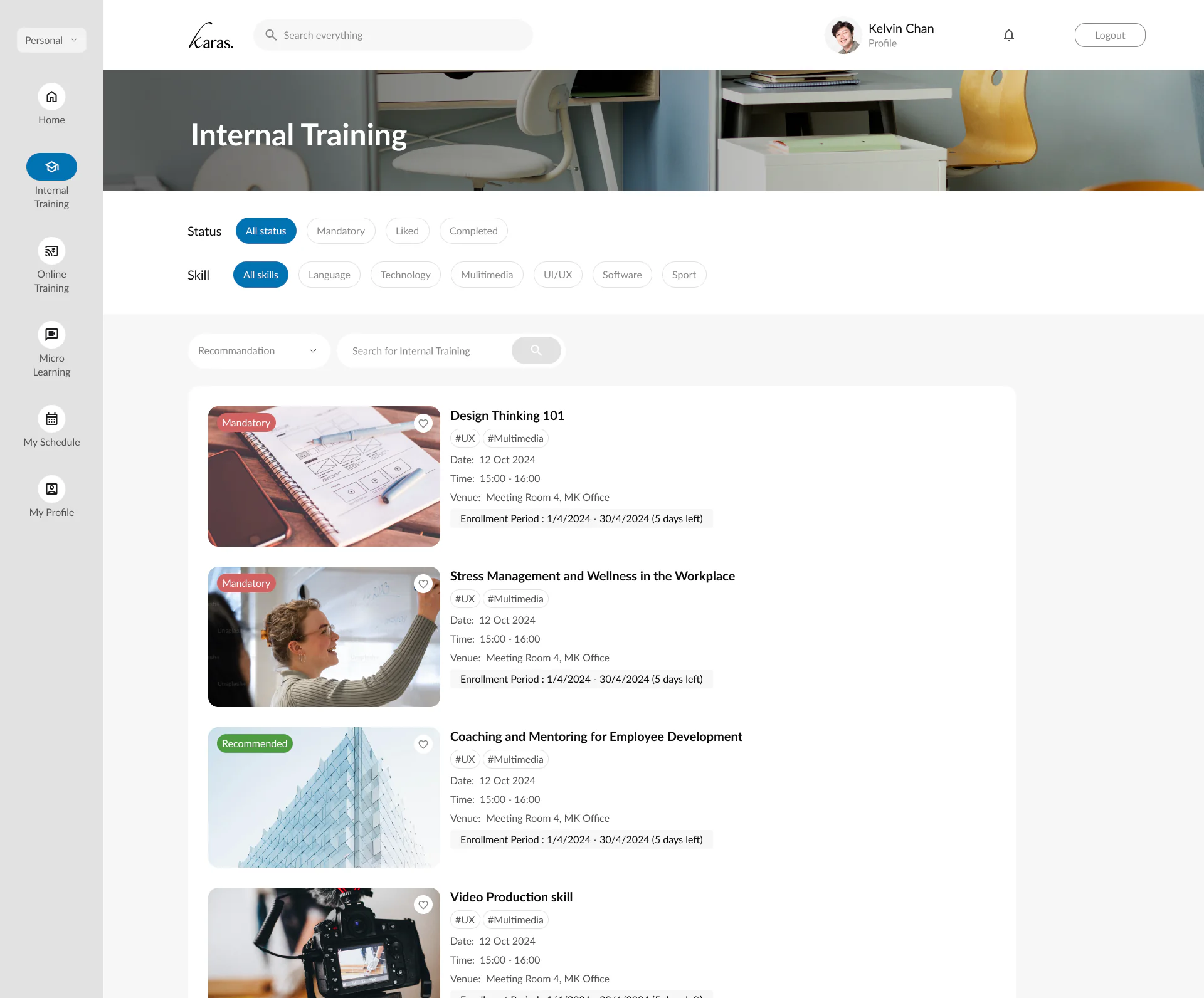
Manage class schedules, course categories, venue, trainer, capacity, and target audience.
 Contact Us

Karas reduces scattered spreadsheets and manual follow-up by giving HR teams a single place to control internal course information, participant status, attendance, and completion records.
Manage class schedules, course categories, venue, trainer, capacity, and target audience.
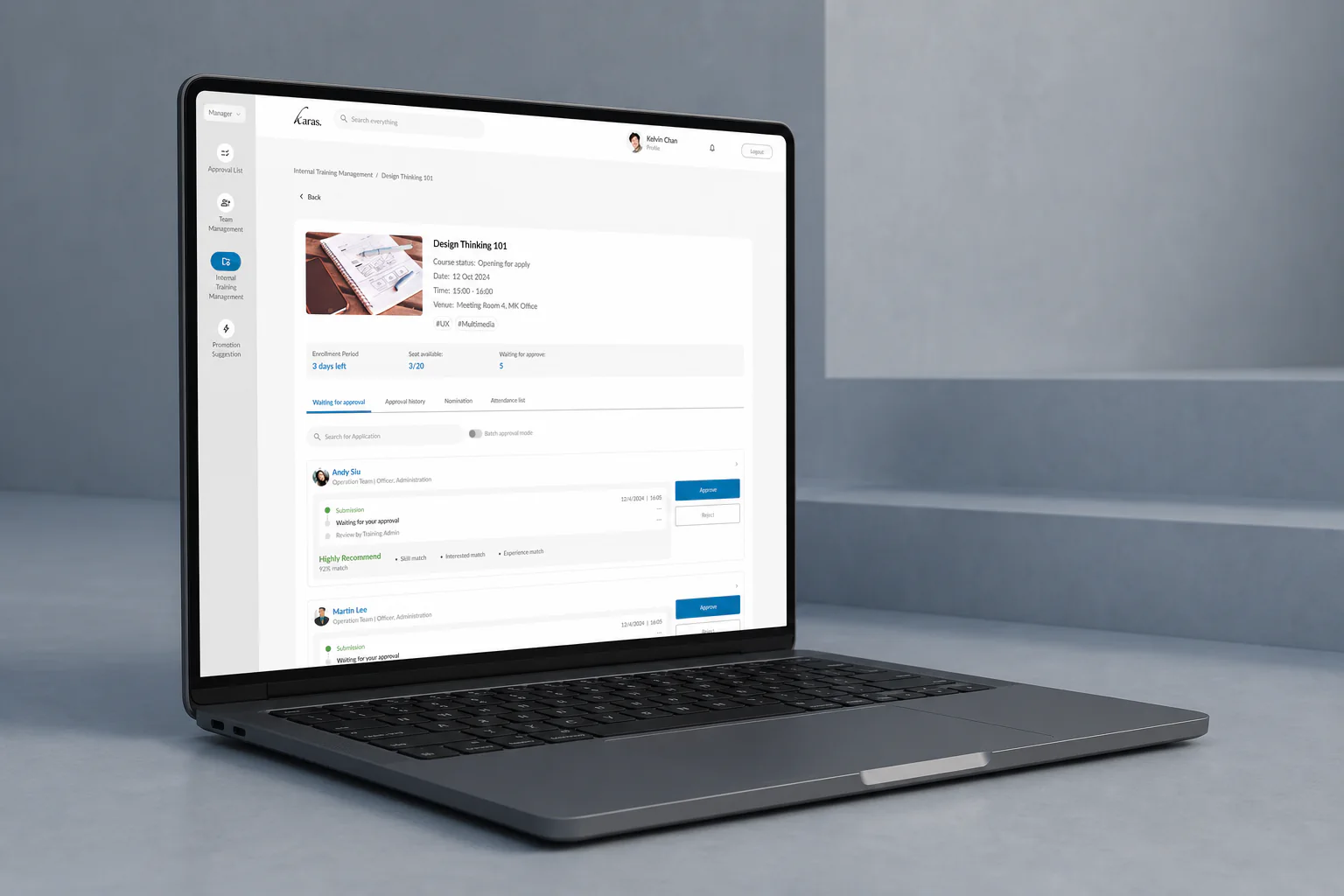
Control registrations, seat availability, waitlists, reminders, and participant status.
Track attended, absent, pending, and completed training status in a clear operational view.
Keep employees informed before sessions and reduce manual chasing from HR teams.
Keep internal training history organized for staff profiles, audits, and management review.
Review course completion, department activity, and training participation without manual consolidation.

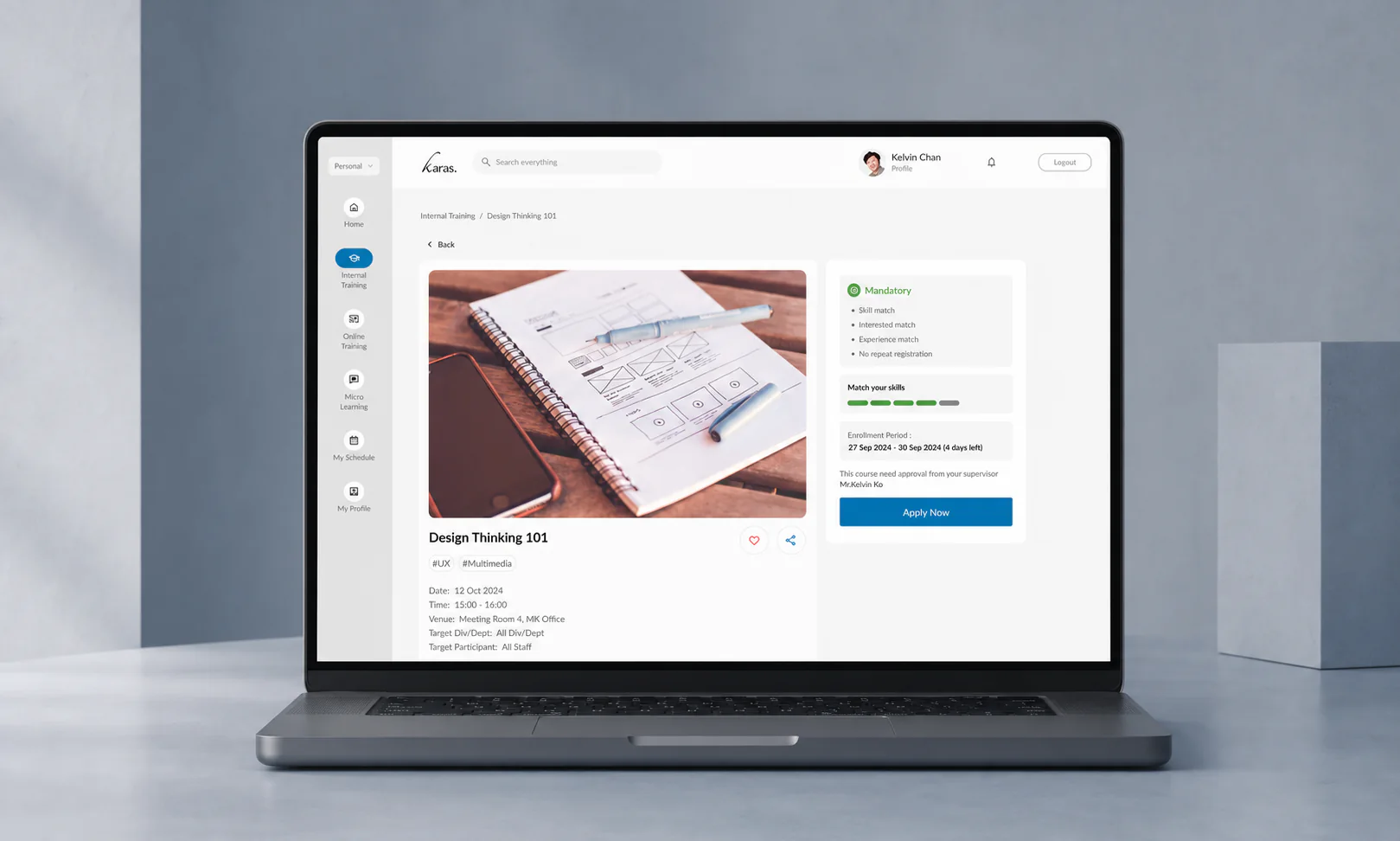
Whether the session is held in a classroom, office, training room, or remote environment, Karas supports multiple attendance methods so HR can close records accurately.
Create a QR code for the session and let employees scan it to mark attendance.
Employees can confirm attendance through the staff app when the organization enables app access.
Training administrators can manage and update attendance directly from the Karas web portal.
Use an employee staff card to verify attendance quickly at reception, classroom, or training venue check-in.
Set up course details, class schedule, trainer, venue, seat quota, and target groups.
Open enrollment for selected employees or departments with clear registration status.
Monitor applications, reminders, attendance, no-shows, and completion during operation.
Update learning records and prepare department-level summaries for management.
Plan company-run courses and keep attendance connected to employee learning records.
Set course categories, schedules, venues, trainers, capacity, and target audiences. Manage enrollment, waitlists, reminders, and participant status from the same course workflow.
Karas supports session QR codes, staff-card check-in, the web portal, and staff-app access where enabled. Agree the methods available for your environment and use the portal to review attendance before reporting.
Keep attendance and completion information with employee learning records, then review participation by course or department. The training operations features also support reminders and follow-up for outstanding actions.