People & structure
Employee profiles, business units, departments, roles, locations, and reporting relationships.
 Contact Us
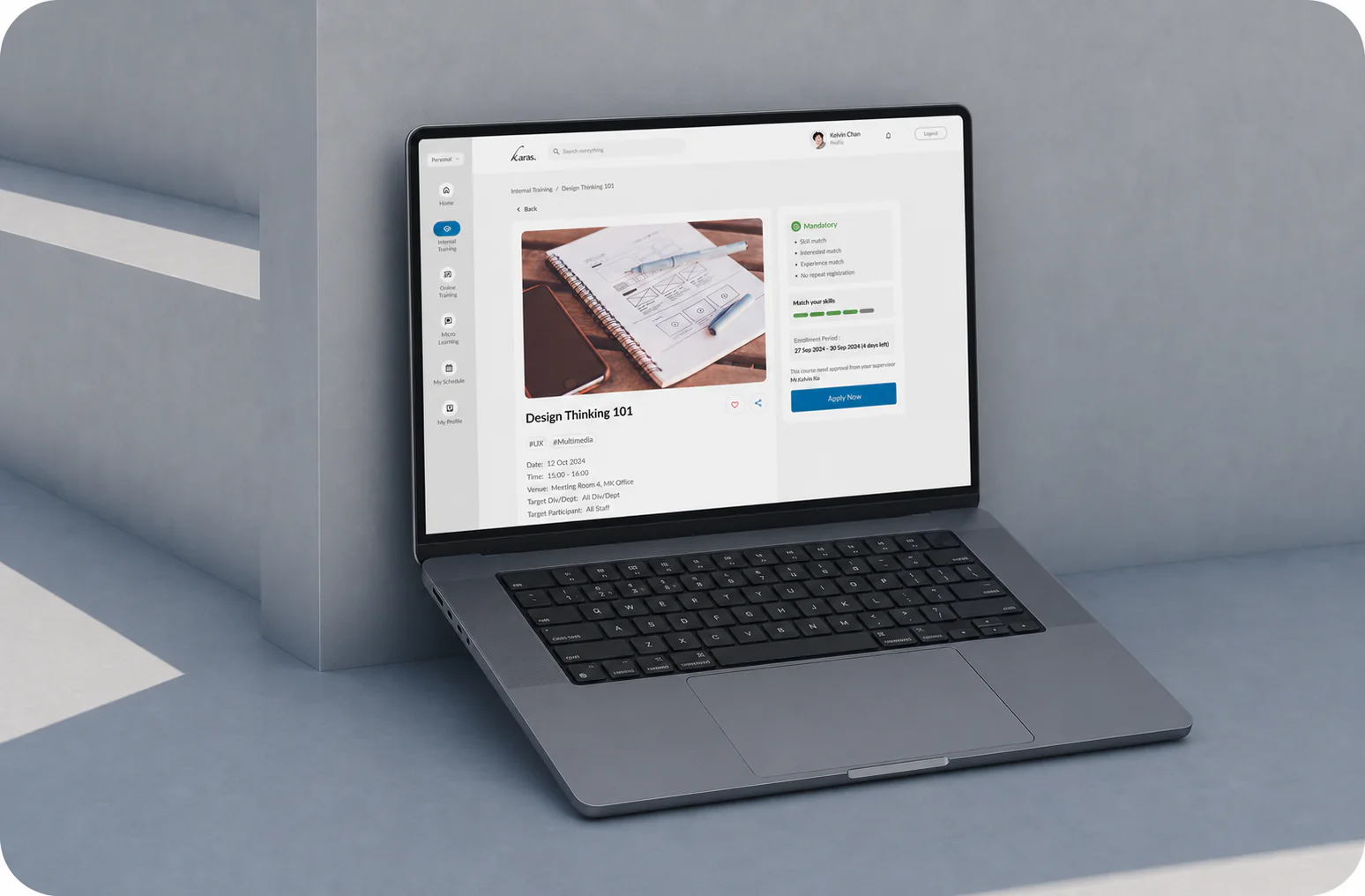
Karas combines enterprise learning management with training administration. Connect employee data, course delivery, approvals, learning records, and reporting through a configurable platform with HRIS integration, single sign-on, and cloud or on-premise deployment.
One connected platform.
Built around the way your enterprise already works.
Connected Learning Infrastructure
Employee profiles, business units, departments, roles, locations, and reporting relationships.
Internal, external, online, and micro learning managed through one corporate learning platform.
Enrolment, attendance, approvals, claims, notifications, feedback, and follow-up.
Searchable learning histories, team goals, training analytics, and enterprise reporting.
One employee learning profileKeep assignments, applications, attendance, results, certificates, skills, and development history together.
Shared information across modulesUse consistent employee, course, approval, attendance, and completion data throughout the platform.
Modular by designBegin with the capabilities required today, then extend the enterprise LMS as programmes and operational needs grow.
Enterprise Integration
Receive staff profiles, departments, job information, and employment status from your current HR system through configured data exchange, reducing duplicate entry and outdated records.
Connect Karas to the authentication process managed by your organization, giving employees simpler access while IT retains identity control.
Plan the exchange of employee, course, attendance, completion, and training record data with connected business systems using agreed fields and integration flows.
Enterprise Configuration & Scale
Configure business units, departments, locations, employee groups, job roles, and reporting relationships for relevant administration and reporting.
Scope permissions by role and responsibility for employees, managers, trainers, HR, L&D, Finance, and platform administrators.
Define request conditions, review stages, approvers, reminders, decision actions, comments, and approval history around enterprise policy.
Maintain common enterprise standards while authorized teams manage their own programmes, participants, approvals, and reports.
Manage internal, external, online, and micro learning while keeping operational activity and employee records connected.
Support large employee populations, multiple administrators, business units, departments, and locations without adding separate systems.
Security, Governance & Deployment
Choose the deployment model that fits your IT environment, security policy, infrastructure, and governance requirements.
Scope access by module, role, department, and responsibility so stakeholders can work without exposing information they do not need.
Retain approval decisions, timestamps, comments, attendance, completion activity, and employee training records for governance and reporting.
Work with a local team on configuration, HRIS integration, data exchange, deployment planning, administrator preparation, and rollout.
Enterprise experience26 yearsLocal digital solution and implementation experience
Current platform use2,000+Users supported across real enterprise learning activity
Planning your implementation
Start with the training processes and systems you need to connect. This checklist helps HR, learning teams, and IT define a useful scope before agreeing configuration, integrations, and rollout.
Karas supports configured HRIS data exchange, single sign-on, and API-based data flows. Specific connections depend on your source systems and agreed implementation. Bring the system names, authentication requirements, fields, and update requirements so the team can confirm the integration approach.
The choice affects where the platform runs and who is responsible for its infrastructure. Karas supports both options. Agree hosting location, access, backup arrangements, maintenance, and support responsibilities with the team before selecting a model.
Request a quote and schedule for your proposed scope. Include your modules, employee groups, workflows, integrations, existing records, and deployment requirements in the discussion. Confirm which services and responsibilities are included before committing to a rollout date.
One platform for
every learning operation.