Know what’s
current.
Every credential, clearly accounted for. Keep certificates and validity dates together so you know who’s up to date.
 Contact Us
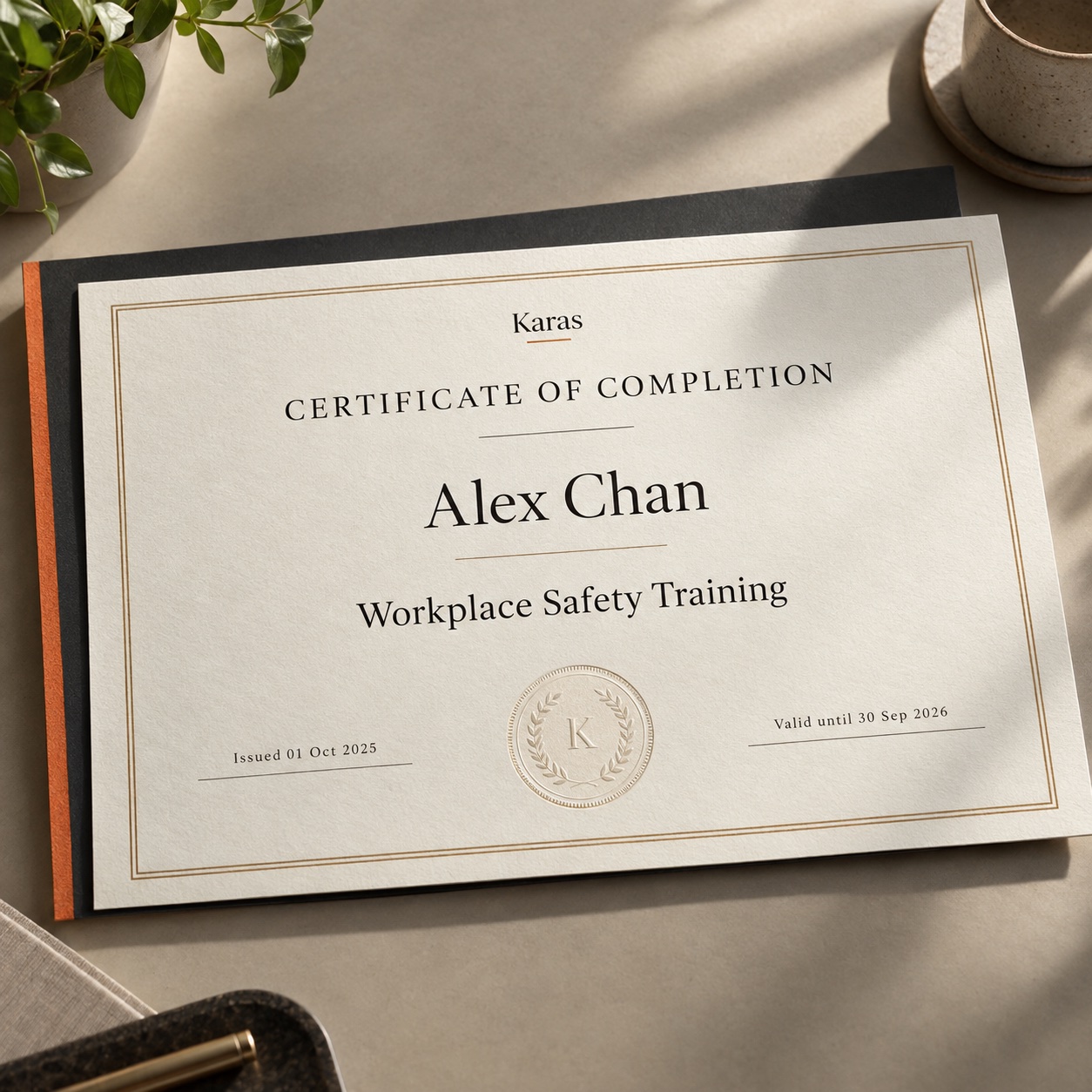
Generate certificates after course or exam completion for employees to save or download. Let employees upload existing certificates with AI OCR, define requirements by role, and manage validity, expiry, and renewals in Karas.
More than a certificate on file.
A clear view of what comes next.
Every credential, clearly accounted for. Keep certificates and validity dates together so you know who’s up to date.
Make the next date a planned step. Spot approaching expiries and move from renewal action to an updated certificate.
Give expired credentials a way forward. Follow up, add the renewed certificate, and bring the employee’s record up to date.
When an employee completes a course or exam, your organization can generate a certificate in Karas. Employees can then save or download their certificate.
The employee finishes the learning activity.
Your organization issues a certificate through Karas.
Keep the certificate in the employee’s record and download a copy.
Employees upload their certificates directly. AI-powered optical character recognition helps extract the information, reducing manual entry when creating a certification record.
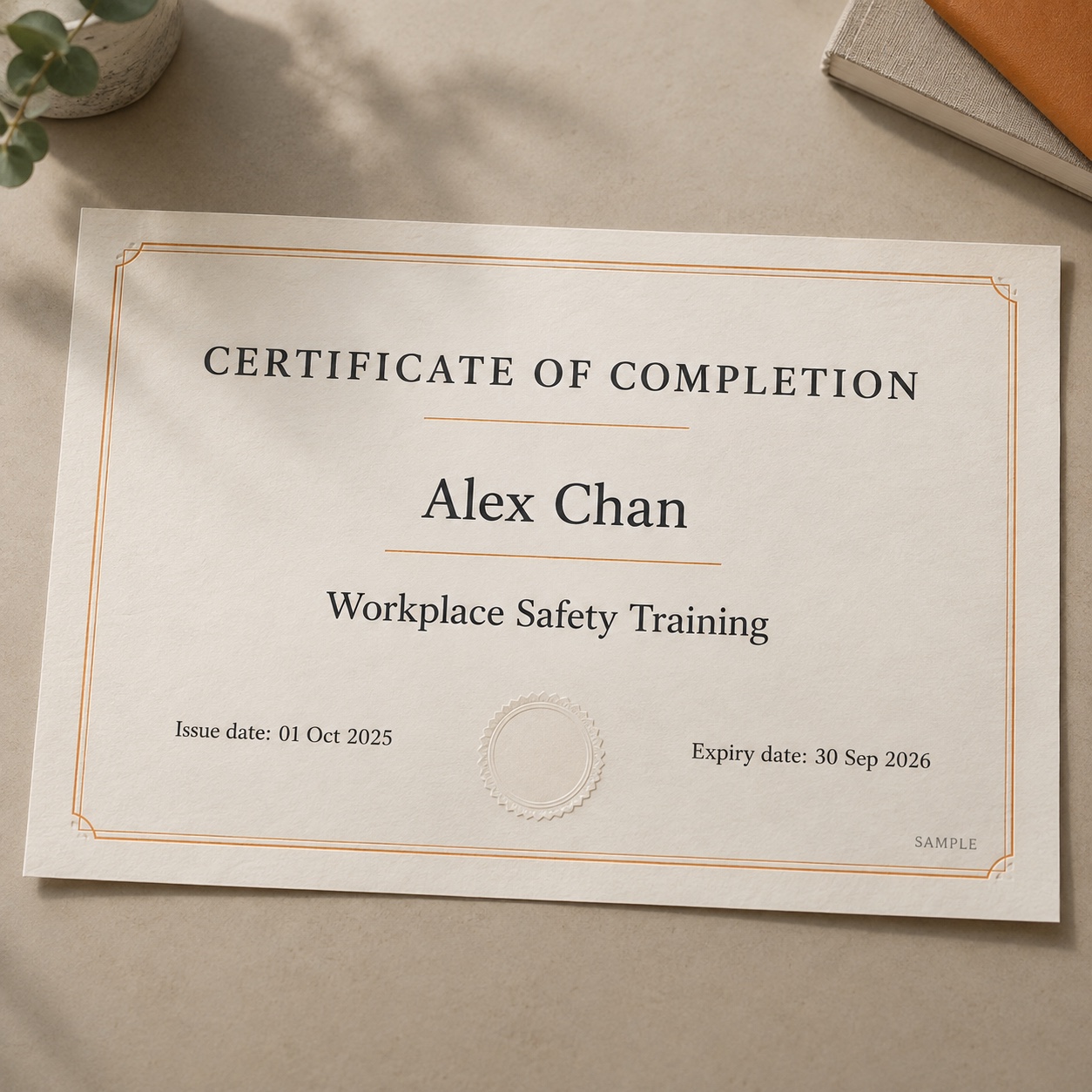
| Certification | Workplace Safety Training |
|---|---|
| Employee | Alex Chan |
| Issue date | |
| Expiry date |
Bring certificates into Karas without passing documents between separate inboxes and folders.
OCR reads the uploaded certificate and helps capture its details for the certification record.
Check the extracted information against the original document before relying on it for validity and renewal tracking.

Make the path to promotion clearer. Define the certifications needed for the next role, so employees know what to work towards.
From course completion and certificate generation to uploads and renewals.
Karas brings certification validity, expiry dates, and renewal processes together. Teams can identify credentials that need attention and update the employee record when a renewed certificate is available.
Yes. Define the certifications required for each role so employees and HR have a clear reference for the qualifications that need to be maintained.
Yes. When an employee completes a course or exam, your organization can generate a certificate in Karas. The employee can then save or download the certificate.
Yes. Employees can upload certificates into Karas. AI OCR helps extract details from the document to reduce manual data entry. Review the extracted information against the original certificate for accuracy.
OCR reads information from the uploaded document; it does not by itself verify the certificate’s authenticity or the issuing body. Keep any verification required by your organization as part of your review process.
Keep qualifications current.
Keep your people ready.